
How to Sell SCORM Courses Without Sending Original Files
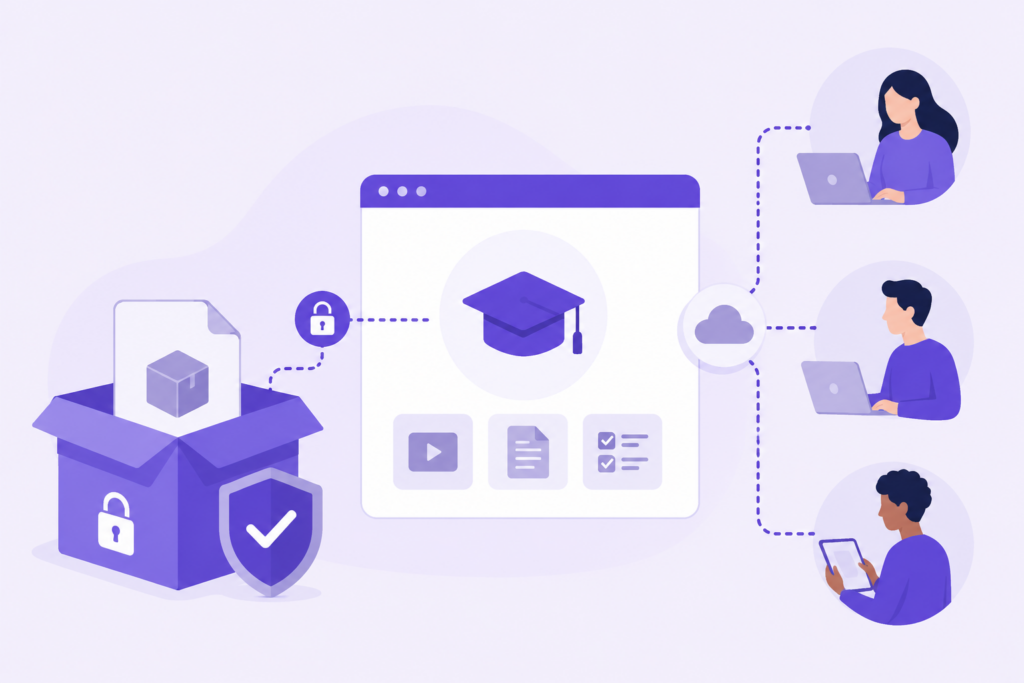
How to Sell SCORM Courses to Companies Without Sending the Original Files Selling SCORM courses to companies often starts in the most obvious way: you export the course from your authoring tool, send the ZIP package to your client, and they upload it to their LMS. It is simple. It is familiar. It also works. At least at the beginning. The difficulty appears later, when that same course becomes part of a catalogue, when several clients need access to it, when the content changes, when licenses have to be controlled, or when someone asks for reliable tracking data. At that point, sending the original SCORM package stops being a delivery method and becomes a business risk. If you sell, rent or distribute e-learning content to companies, there is a better model: keep the original content protected in the cloud and send your clients controlled SCORM or xAPI connectors instead of the original course files. This is the type of workflow that scormPROXY was designed to support. The problem with sending the original SCORM package A SCORM package is not just a “course file”. It normally contains the full course structure, assets, scripts, media resources and all the files required to launch the training inside an LMS. When you send that package to a client, you are not only delivering access to a course. You are delivering the source package that allows the course to be installed and reused inside their platform. That may be perfectly acceptable in some projects. For example, if you have developed a custom course for a single client and ownership of the final package belongs to them, sending the SCORM file is usually part of the agreement. But the situation is very different when the course belongs to your catalogue and you are selling access to it. In that case, the original SCORM package represents your intellectual property, your commercial product and your future revenue. Once it has been delivered to several clients, it becomes much harder to control how it is used. Questions every training provider should ask Before sending the original package, it is worth asking a few practical questions: How many learners will really access the course? Can the client upload the same package to several LMS platforms? What happens when the license period ends? How will you stop access if the contract is not renewed? How will you update the course if a regulation, screenshot, video or quiz changes? Will you know which users started, completed or failed the course? Will the client keep using an old version after you publish a new one? How much manual support will your team need to provide each time a file changes? These questions are not theoretical. They appear in real projects, especially when a training provider starts growing from a few clients to a structured B2B distribution model. The usual problem is not that clients behave badly. Most clients simply use the files they receive in the way that seems most convenient to them. The problem is that the file-based model gives the provider very little control after delivery. From sending files to controlling access There is a fundamental difference between selling a file and selling access. If you sell a file, the transaction is almost finished when the file is delivered. If you sell access, you need to manage who can enter, for how long, under which conditions, and with what level of reporting. Many e-learning providers are really selling access, even if their operational process still looks like file delivery. They sell 100 seats for a compliance course. They rent a catalogue for one year. They give a client access to a specific training pathway. They charge according to activated learners or connected users. They need completion evidence. They need to update the content during the contract. That is not a simple file transfer. That is controlled content distribution. How SCORM connectors solve this problem A SCORM connector is a small package that the client uploads into their LMS as if it were a normal SCORM course. Learners launch it from the LMS in the usual way, and the LMS can still receive tracking information. The key difference is that the original content is not inside that package. The connector launches the course remotely from a central cloud platform. This means that the client receives what they need to run the course, but the provider keeps the original files hosted, protected and managed from one place. With scormPROXY connectors, you can distribute SCORM or xAPI packages to client LMS platforms while keeping your content in your own cloud repository. For the client, the process remains familiar: upload a package, assign it to learners, launch it from the LMS. For the provider, everything changes: the original course remains under central control. Why this model is more scalable The more clients you have, the more important this difference becomes. If you send the original package to one client, it may be manageable. If you send it to fifty clients, every update, support request, license change and reporting need becomes more complex. A connector-based model lets you manage the distribution layer centrally. You can organize your content, create connectors, assign licenses, monitor usage and update materials without treating every client installation as a separate manual project. This is one of the reasons why a SCORM dispatch or content controller model is especially useful for training companies, publishers, academies, compliance training providers and e-learning vendors that sell course catalogues to third parties. What scormPROXY adds to the connector model scormPROXY is not just a remote launcher. It is a cloud platform for distributing and controlling e-learning content across external client environments. With scormPROXY, you can upload your original materials to a Content Repository, create dispatch packages or connectors, register remote clients, assign licenses, define access rules and review tracking information from a central place. It supports SCORM 1.2, SCORM 2004, xAPI, MP4, MP3 and PDF. That is important because

