
How to Add SCORM and xAPI Support to Your Platform Without Building a SCORM Engine
At some point, many platforms in the learning space receive the same request:
“Can we upload SCORM courses?”
It sounds like a simple feature. A client has SCORM packages. Your platform already has users, courses, dashboards, permissions and maybe even certificates. So the first instinct is understandable: upload the ZIP file, open the course in an iframe, and save a few results.
That would be nice. Unfortunately, SCORM does not usually work that way.
Adding SCORM support to your platform is not like adding support for PDF files or videos. A SCORM course is expected to communicate with a runtime environment. It needs to send progress, scores, completion status, session time, suspend data and other tracking information. It also needs to resume correctly when the learner comes back.
This is where many teams discover that building a SCORM engine from scratch is a much bigger project than expected.
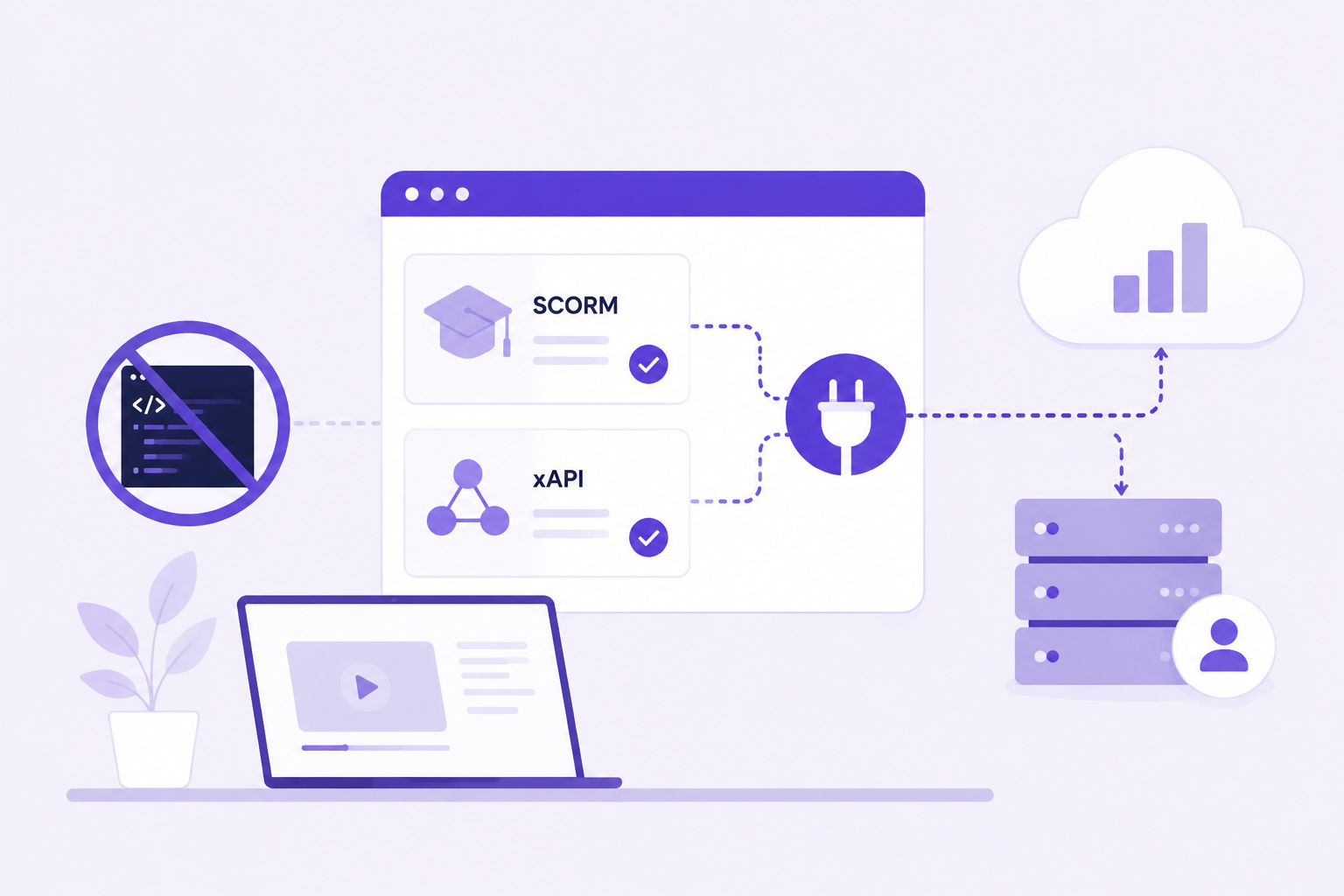
The good news is that your platform does not need to become a full LMS just to support SCORM and xAPI. With a solution like scormPLAYER, you can keep your own platform, your own users and your own business logic, while delegating the SCORM/xAPI runtime layer to a specialized engine.
Why platforms eventually need SCORM support
SCORM is still one of the most common formats used in professional e-learning. Companies, training providers, publishers and HR departments often have existing SCORM catalogues created with tools such as Articulate Storyline, Rise, Adobe Captivate, iSpring and other authoring tools.
If your platform is anywhere near training, sooner or later a client may ask whether they can use those existing packages inside it.
This can happen in many types of products:
- Corporate portals that want to include formal training.
- HR platforms that need to deliver compliance courses.
- CMS-based learning portals.
- Customer education platforms.
- Marketplaces that want to host third-party training content.
- Intranets that need trackable learning modules.
- Custom SaaS platforms for academies or training companies.
The request is reasonable. Your clients already have content. They do not want to rebuild it from scratch. They want to reuse what they already own.
The problem is that SCORM content was designed to run inside a compatible learning environment. If your platform is not ready to play that role, you need more than a file upload field.
The common mistake: treating SCORM like a normal ZIP file
A SCORM package is usually delivered as a ZIP file, and that can be misleading.
Yes, the package contains HTML, JavaScript, media files and a manifest. But the course also expects to find a SCORM API at runtime. That API is how the course talks to the platform.
For example, the course may need to tell the platform:
- The learner has started the course.
- The learner has completed the course.
- The learner has scored 85%.
- The learner has failed the quiz.
- The learner reached a specific slide and should resume from there next time.
- The course needs to save suspend data.
- The session time must be stored.
If your platform does not provide the correct runtime behavior, the course may open, but it will not behave correctly. It may not save progress. It may not complete. It may not resume. It may work with one authoring tool and fail with another.
That is the difference between displaying a SCORM course and actually supporting SCORM.
What a SCORM engine really has to do
A proper SCORM engine has to handle many details that are easy to underestimate during the first technical discussion.
It needs to launch the content correctly, expose the SCORM API, receive calls from the course, validate data, store tracking information, manage statuses, handle scores, calculate session time, resume attempts and deal with differences between SCORM versions.
It also needs to work with real packages, not only with clean test examples.
That means dealing with content created by different authoring tools, unusual package structures, browser restrictions, iframe behavior, pop-ups, cross-domain scenarios, session interruptions and learners who close the browser at the worst possible moment.
None of this is impossible. But it takes time, testing and experience.
And once it is built, it has to be maintained.
SCORM 1.2, SCORM 2004 and xAPI are not the same thing
Another point that is often underestimated is compatibility.
When someone says “we need SCORM support”, the next question should be: which version?
SCORM 1.2 and SCORM 2004 are related, but they are not identical. They use different data models and different rules. Completion, success, scoring and sequencing can behave differently depending on the version and the authoring tool.
Then there is xAPI, which follows a different approach. Instead of relying on the same SCORM runtime model, xAPI records learning experiences as statements. This can be very useful for modern learning ecosystems, but it also requires a different technical treatment.
A platform that wants to support professional e-learning content should not assume that one simple launch mechanism will cover every case.
This is one of the reasons why using a specialized engine such as scormPLAYER can be more efficient than building everything internally.
The hidden cost of building your own SCORM engine
Building a SCORM engine is not only a development cost. It is also a product cost, a support cost and a maintenance cost.
Your team will need to answer questions like:
- How do we store suspend data?
- How do we map SCORM statuses to our platform reports?
- How do we handle multiple attempts?
- How do we debug courses that do not complete?
- How do we support both SCORM 1.2 and SCORM 2004?
- How do we handle xAPI content?
- How do we know whether the problem is in the course or in our player?
- How do we deal with browser and iframe restrictions?
- How do we keep the engine compatible with future platform changes?
These are not one-time questions. They will come back every time a client uploads a new course, a browser changes behavior, or an authoring tool exports a package with a slightly different structure.
For some companies, building their own engine may make sense. If SCORM playback is at the very core of the product and the team has enough time and expertise, it can be a strategic investment.
For many others, it becomes a distraction from the real product.
Your platform probably does not need to become an LMS
This is an important distinction.
If you have built an HR platform, a customer portal, a CMS, a training marketplace or a custom SaaS product, your value is probably not “being an LMS”. Your value may be your user experience, your workflows, your customer data, your reporting layer, your business logic or your knowledge of a specific industry.
Adding SCORM support should not force you to rebuild your product around LMS architecture.
With scormPLAYER, your platform can keep doing what it already does well. The SCORM/xAPI runtime layer is handled by a specialized component, while your application remains in control of users, access rules, interface and business workflows.
In other words: you do not need to build a full LMS just because your clients need to play SCORM courses.
How scormPLAYER helps
scormPLAYER is designed to add SCORM and xAPI playback capabilities to existing platforms.
Instead of developing a SCORM engine from scratch, your platform can integrate with scormPLAYER and use it to launch, play and track e-learning content.
The idea is simple: your platform manages what belongs to your platform, and scormPLAYER manages what belongs to the e-learning runtime.
Your platform can continue managing:
- Users and authentication.
- Courses, catalogues or product structures.
- Permissions and access rules.
- Subscriptions, contracts or business logic.
- Branding and user interface.
- Dashboards and external reporting.
scormPLAYER handles the SCORM/xAPI playback layer, including the technical behavior required to launch and track compatible content.
A cleaner architecture for product teams
From a product perspective, this approach is much cleaner than trying to turn your team into SCORM specialists overnight.
You can design the learning experience around your users while relying on a dedicated engine for the parts that require SCORM expertise.
That separation is valuable. It allows your product roadmap to stay focused on your market, while the runtime layer is handled by a tool built specifically for that purpose.
It also reduces the risk of building a fragile internal feature that works for a few test courses but becomes difficult to support when real clients start uploading real content.
What about tracking and reporting?
Tracking is one of the main reasons platforms need proper SCORM support.
A client does not only want the course to open. They want to know whether the learner started it, completed it, passed it, failed it, how much time they spent and what score they achieved.
That information has to be captured from the course and made available to the platform in a usable way.
With an integrated SCORM engine, tracking can be managed in a structured way instead of being treated as a collection of improvised JavaScript events.
This is especially important for compliance training, certification, customer education, partner training and any scenario where completion evidence matters.
Integration should not break your user experience
One concern product teams often have is that integrating an external player will make the platform feel less consistent.
That concern is understandable. Nobody wants to send users to a strange external environment that feels disconnected from the rest of the product.
A good integration should avoid that. The goal is not to replace your platform’s user experience, but to add a reliable SCORM/xAPI layer inside it.
Your users should still feel that they are using your platform. scormPLAYER works behind the scenes to handle the technical learning content layer.
When scormPLAYER is a good fit
scormPLAYER may be a good fit if your platform needs to support SCORM or xAPI content but you do not want to build and maintain a full runtime engine internally.
It is especially relevant if:
- Your clients are asking to upload existing SCORM packages.
- You need to support SCORM 1.2, SCORM 2004 or xAPI content.
- You want to keep your own platform, users and interface.
- You need tracking, completion and score data.
- You want to reduce development time and technical risk.
- You do not want your team to become responsible for every SCORM edge case.
- You are building a learning portal, CMS, HR platform, intranet or SaaS product.
In these cases, integrating a dedicated SCORM engine can be a faster and safer route than building one from zero.
When building your own engine may still make sense
There are cases where building your own SCORM engine can make sense.
If your company is building a full LMS, has a large technical team, needs very specific runtime behavior, and sees SCORM compatibility as a core product capability, an internal engine may be justified.
But that decision should be made with a clear understanding of the cost.
It is not just a matter of opening a ZIP file and showing an HTML page. It is a long-term commitment to compatibility, tracking, debugging, support and maintenance.
If SCORM is not the heart of your product, integrating a specialized engine is often the more sensible decision.
SCORM support can become a competitive advantage
Adding SCORM and xAPI support can open new opportunities for your platform.
It can help you work with corporate clients that already have content libraries. It can make your product more attractive to training providers. It can allow your clients to reuse existing investments instead of recreating content from scratch.
But only if the implementation is reliable.
Poor SCORM support can create more problems than it solves. Courses that do not resume correctly, completions that are not saved, scores that disappear or packages that behave inconsistently can quickly damage trust in your platform.
This is why the runtime layer matters so much.
scormPLAYER and scormPROXY: two different needs
It is also useful to understand the difference between scormPLAYER and scormPROXY.
scormPLAYER is focused on helping platforms play and track SCORM/xAPI content without building their own engine.
scormPROXY is focused on helping training providers distribute and control e-learning content across external client platforms.
Both products are related to SCORM and content distribution, but they solve different problems.
If you own a platform and need to add SCORM playback, scormPLAYER is the product to look at first. If you own a catalogue and need to distribute it to clients, scormPROXY is probably the better fit.
Final thoughts
Adding SCORM support to your platform is a bigger decision than it first appears.
It is not just a file upload feature. It involves runtime communication, tracking, data storage, compatibility, reporting, debugging and long-term maintenance.
If your goal is to build a complete LMS, developing your own SCORM engine may be part of the journey. But if your goal is to add reliable SCORM and xAPI support to an existing platform, building everything from scratch may not be the best use of your team’s time.
scormPLAYER gives you a way to support professional e-learning content while keeping your own platform, interface, users and workflows.
You focus on your product.
scormPLAYER handles the SCORM/xAPI runtime layer.
Want to add SCORM and xAPI support to your platform? Learn more about scormPLAYER or contact WelcomeNext to discuss your integration needs.


